
Prepare an MP3 for the song and, if you want an MV background, an MP4 from the same video.
Only download and edit material you have permission to use, and follow YouTube’s terms. An official upload does not itself grant permission to reuse it.
1. Find the official MV
On YouTube, search artist + song + official MV. Check the artist or label channel, then choose Share → Copy link.
Use the same MV for both files. Mixing an album track with an MV that has an extra intro can shift your timings.
2. Prepare the files with YTDown
Open YTDown, paste the link and select Download. When available, choose MP3 for audio and MP4 for video. Save both files to your device.
YTDown is a separate service; formats and availability can change. These steps follow its published instructions.
3. Import into Line Distribution
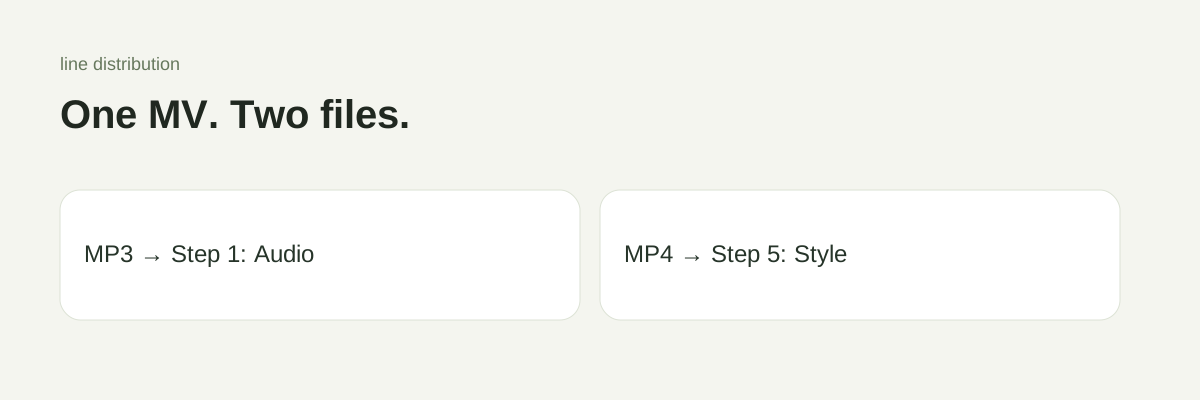
- Step 1 · Audio: upload the MP3.
- Step 5 · Style: choose a video background and upload the MP4.
- Preview the start of the song and a later chorus to check synchronization.
Upload rejected? Audio must be under 10 minutes and within the size limit: 20 MB signed in, 50 MB as a guest. Background video allows up to 100 MB. Select a smaller video download if needed; changing a filename extension does not convert a file.
Start your project, or follow the complete creation guide.