 LINEDISTRIBUTION
Free K-pop Line Distribution Maker
Song
Members
Member Timer
Click a member or use shortcuts 0–9 to start and stop timing.
Lyrics
Color Coded Lyrics
Paste the lyrics below, one line per phrase.
Step-by-step guide
How to Use the Line Distribution Maker
Add members, load a song, then record parts in Timing mode or fill intervals in Ranges mode. When the ranking looks right, export a K-pop line distribution chart, video, or text summary.
Add members
Create one row per performer in Member Timer. Give each person a clear name, a distinct color, an optional photo, and a number shortcut (1–9) for fast switching.
Load audio, MV, or YouTube
Upload a supported audio or MV file, paste a YouTube link, or skip media and use the manual clock while you watch elsewhere. Playback syncs the playhead used by both modes.
Timing mode — tap along with the song
In Member Timer, switch to Timing. Press play, then tap a member when their part starts and tap again when it ends. Several members can run at once for choruses or harmonies. When you are done, tap Finish to lock the result for replay and video download.
Ranges mode — fill start and end times
Switch to Ranges when you prefer typing intervals instead of live tapping. Expand a member to see their range list, add a range, then enter start/end times (for example 0:12 and 0:18). Use the playhead buttons to capture the current playback position. Overlapping ranges across members are allowed. As soon as ranges exist, Replay and Download Video unlock without Finish.
Add Color Coded Lyrics (optional)
Paste lyrics under Color Coded Lyrics, then assign each line a member and optional start/end time. Open the result view for a colored lyric layout; use + to add romanization or translation.
Review, replay, and export
Check the live chart, percentages, ranking, and fairness score. Replay to watch active members light up with the song, then download a line distribution video, PNG, CSV, or JSON — or copy the text summary.
From the blog
Detailed guides on line distribution meaning, timing methods, and exporting videos.
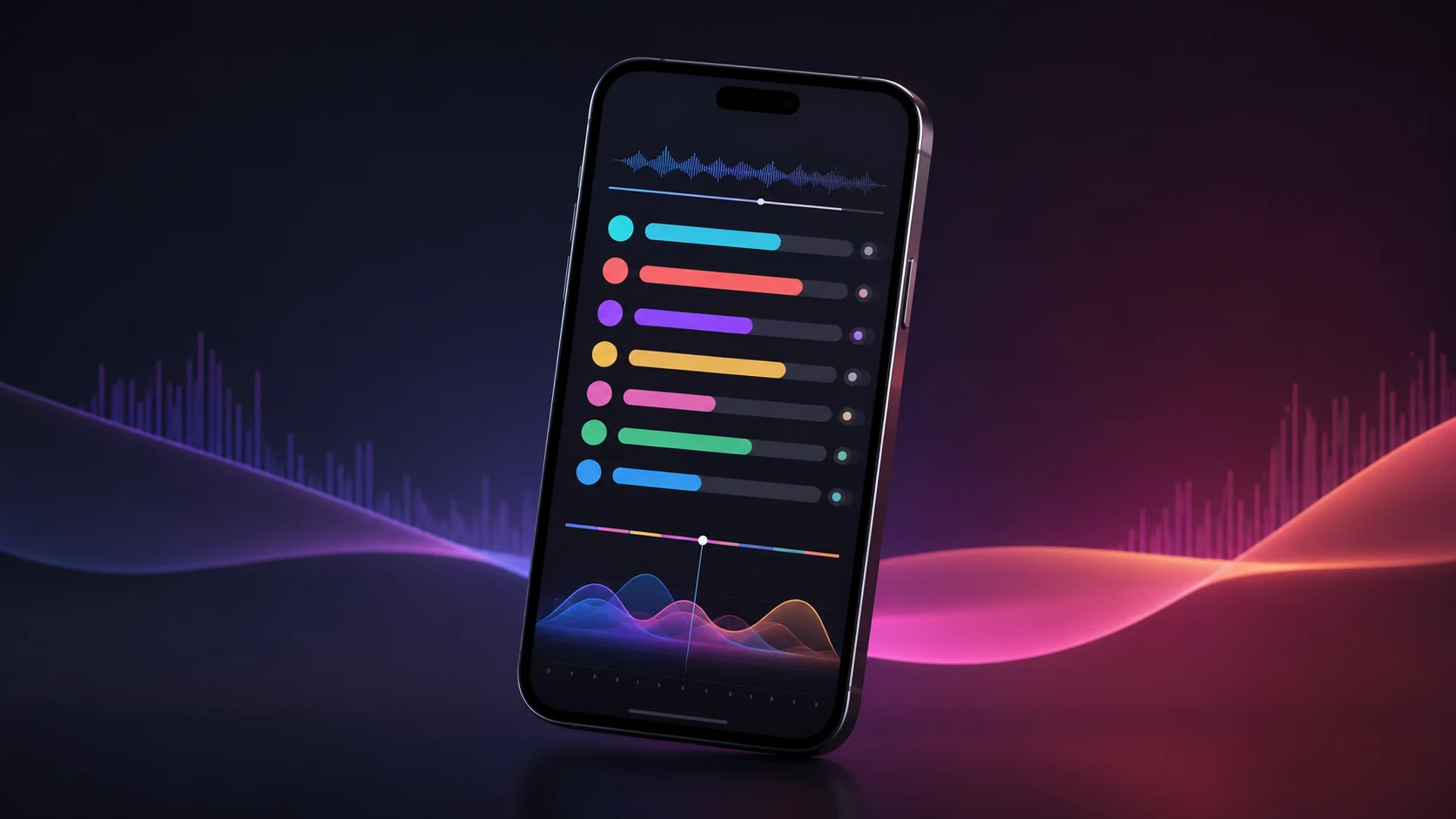
How to Make a Line Distribution Video on Your Phone
Learn how to make a K-pop line distribution video on your iPhone or iPad: import a song or video, add members, time every part, review the results, and export the finished video.
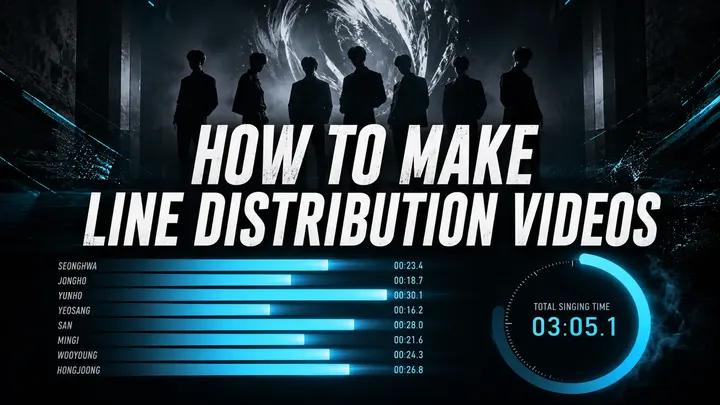
How to Make K-pop Line Distribution Videos Online
Make a K-pop line distribution video in four steps: add a whole group, use an official YouTube MV for reference, mark Ranges, then upload video and music to export.
Free browser tool
About Line Distribution
Line Distribution is a free K-pop line distribution maker and local-first member timer. Tag turns by hand; the page turns those taps into durations, percentages, a ranking, and a fairness score — privately in your browser.
What a line distribution chart measures
Use it for K-pop songs, pop groups, duets, bands, cover teams, concert stages, podcasts, or any recording with distinct participants. Results are based on elapsed singing time, not lyric counts, so long notes and short phrases are counted by how long they last.
How Timing and Ranges work
Timing mode records turns as you tap start/stop while the song plays — several members can run together for choruses. Ranges mode lets you expand a member and type (or capture from the playhead) exact start/end intervals. Both feed the same duration totals, percentages, ranking, and fairness score.
Local-first and private
Selected audio plays through a temporary browser URL and is not uploaded by this app. Project data autosaves locally. Local storage is not a permanent archive — export JSON before clearing browser data or moving to another device.
What it does not claim
The chart reflects human tagging, not automatic vocal isolation. Harmonies, ad-libs, doubles, and backing vocals can be assigned in more than one valid way. State your convention, stay consistent, and treat the result as analysis — not an official credit record.
Common questions
K-pop Line Distribution Maker FAQ
Answers about the Line Distribution web editor and iOS app, timing, privacy, local groups, exports, and how to read the chart.
What is Line Distribution?
Line Distribution is a creation toolkit available as a free web editor and an iOS app. Use it to build performer lists, time parts live or enter exact ranges, color-code lyrics, compare durations, percentages, rankings, and fairness, then export results as video, PNG, CSV, JSON, or text. The web editor keeps projects and reusable custom groups in your browser; the iOS app provides a phone-first workflow and native video export. The Android app is available on Google Play. Line Distribution is a manual analysis and redistribution tool—it does not detect or separate voices automatically. Download Line Distribution on the App Store
How do I make a K-pop line distribution chart?
Create a project, then add performers individually, from the group catalog, or from a reusable custom group saved in the web editor. Load local audio or video, use a YouTube link for reference playback, or work with the manual clock. In Timing mode, tap performers as they sing and press Finish when done; in Ranges mode, enter exact start and end times without needing Finish. Review the chart and lyrics, then choose the export that fits your workflow.
Can I time more than one member at the same time?
Yes — in Timing mode. Each member starts and stops independently, so you can tap several members at once to time a chorus, harmony, or group part. In Ranges mode, give members overlapping intervals instead.
How accurate is the timer?
The playhead can display centiseconds and timing is stored in milliseconds, while member totals are shown to a tenth of a second. Practical accuracy still depends on consistent tagging. Use the same rules for breaths, ad-libs, spoken lines, and gaps throughout the song; shortcuts, Ranges, and replay help with difficult transitions.
How is the fairness score calculated?
Fairness uses a normalized Jain index across performer members with recorded time. The system “No vocals” row is excluded, and at least two performers are needed. Near 100% means measured times are relatively even; lower scores mean time is more concentrated. It describes timing only—not vocal difficulty, center time, or artistic intent.
Can I use this as a lyrics redistribution tool?
Yes. Line Distribution is built for redistributing and analyzing who sings what: time each member’s parts, compare shares and fairness, and optionally color-code lyrics by member. Use it to plan or review a fairer split, not as an automatic vocal separator.
Does Line Distribution upload my audio or video?
Local files are not uploaded to a Line Distribution server. The web editor keeps the current audio or video in the browser cache so it can survive a reload, and removes it when you choose Remove or clear site data. A YouTube link plays through YouTube, so YouTube’s own services and policies apply. The iOS app keeps imported media and projects on the device unless you explicitly share or export them.
How is my project saved?
The current web project autosaves in IndexedDB, named project snapshots stay in the same browser profile, reusable custom groups are stored locally, and the current media file may be kept in the browser cache. Clearing site data removes them. A JSON backup contains editable project data, but not media files or your custom-group library, so keep those separately when moving devices. App projects are stored separately on the device.
Which export format should I use?
Video creates a 1080×1920 portrait timeline with optional local music, timed lyrics, and an image or video selected in Download options. With no background it is transparent only when the available codec supports alpha; otherwise a solid fallback is used. Video is capped at 30 minutes and shows the top 15 performers. PNG is a shareable result card, CSV lists timed segments, Copy Results creates text, and JSON backs up editable project data but not media files or custom groups.
How do I download a video on mobile or Safari?
On mobile web, Download Video now opens an app prompt instead of attempting unreliable browser encoding. On iPhone or iPad, continue to the Line Distribution app in the App Store for native export. Android users can download Line Distribution from Google Play for native video export. Desktop video export still runs locally in the browser and depends on WebCodecs support; current Chrome or Edge is recommended, while Safari support varies by version.
What keyboard shortcuts are available?
Space plays or pauses. New performers are assigned free keys from 1–9, 0 controls the system “No vocals” row, and you can edit a performer’s shortcut to another single key. In Timing mode the assigned key starts or stops that performer; in Ranges mode it expands their ranges. ⌘/Ctrl+Z undoes and Shift+⌘/Ctrl+Z redoes. Shortcuts are ignored while typing or while a dialog is open.
Why can total member time differ from song length?
Total member time adds every performer’s recorded ranges, while song length measures timeline duration. Untagged intros, outros, instrumentals, and gaps can make the member total shorter. Overlapping chorus or harmony ranges are counted once for each active performer, so the member total can also be longer than the song. The “No vocals” row is not included in performer totals.
Why do some members get fewer lines?
Positions, vocal tone, song structure, choreography, and producer choices all affect line distribution. The chart measures time only; it does not judge a member’s role or overall impact.
How do reusable custom groups work?
In the web editor, open Add member → Add a whole group → My groups. You can create, edit, delete, save, or save-and-add a group with up to 50 named members and their colors. Adding it clones new project members, skips duplicate names, and assigns available shortcuts. Custom groups stay only in this browser; they are not synced to the app or included in project JSON backups.
What does Reset do?
Reset stops playback, removes all recorded segments, clears start/end timestamps from lyrics, and returns the playhead to zero. It keeps the title, album, performers, colors, shortcuts, media, appearance, lyric text, and lyric-to-member assignments. The action requires confirmation and can be restored with Undo.
Can a YouTube track be included in the downloaded video?
No. YouTube links are for synchronized reference playback and timing only; the web editor does not download or copy YouTube audio into exports. To include music, choose a local audio or video file in Download options. Only export media you have the right to use.
How can I suggest a feature or report a bug?
Feature ideas and bug reports are welcome. Email support@linedistribution.app — I’ll read everything there. support@linedistribution.app